Free on the App Store
Share your Wi‑Fi
with a QR code
No more spelling out passwords. Create a pass, show the code, guest scans — connected.
How it works
Three steps. That’s it.
1.
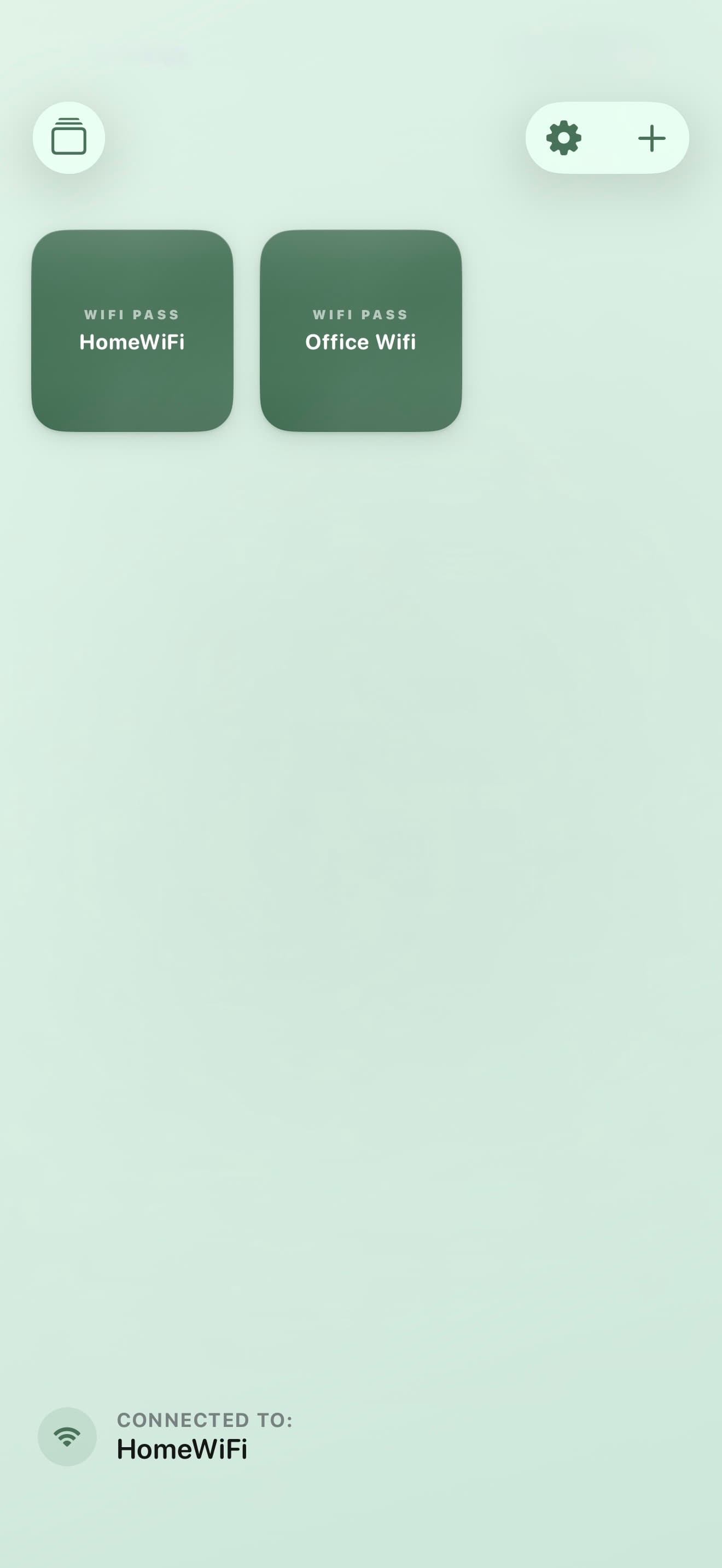
Add your network
Enter your Wi‑Fi name and password once. Stored on your device.
2.
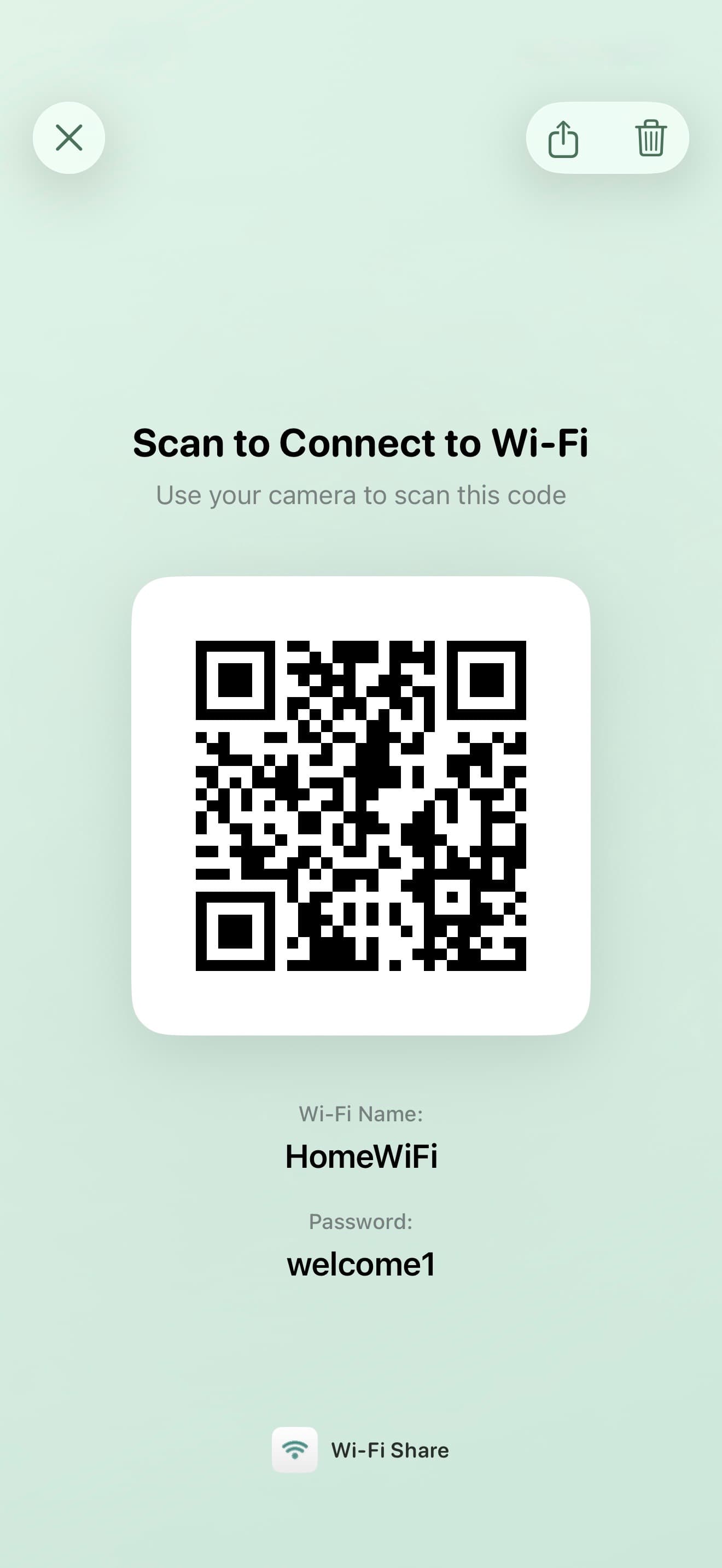
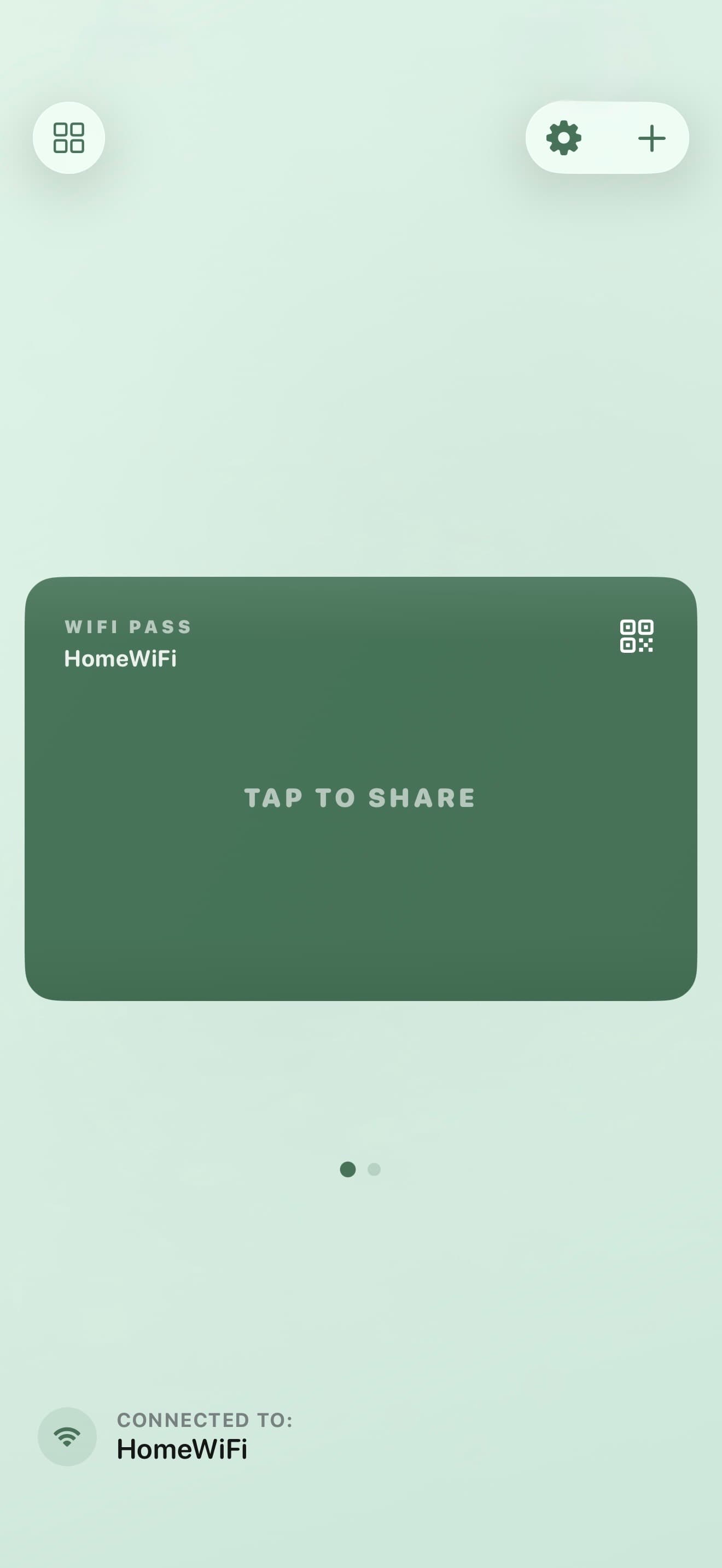
Show the code
One tap generates a QR code your guests can scan instantly.
3.
Guest connects
They point their camera, tap the notification, and they’re online.